
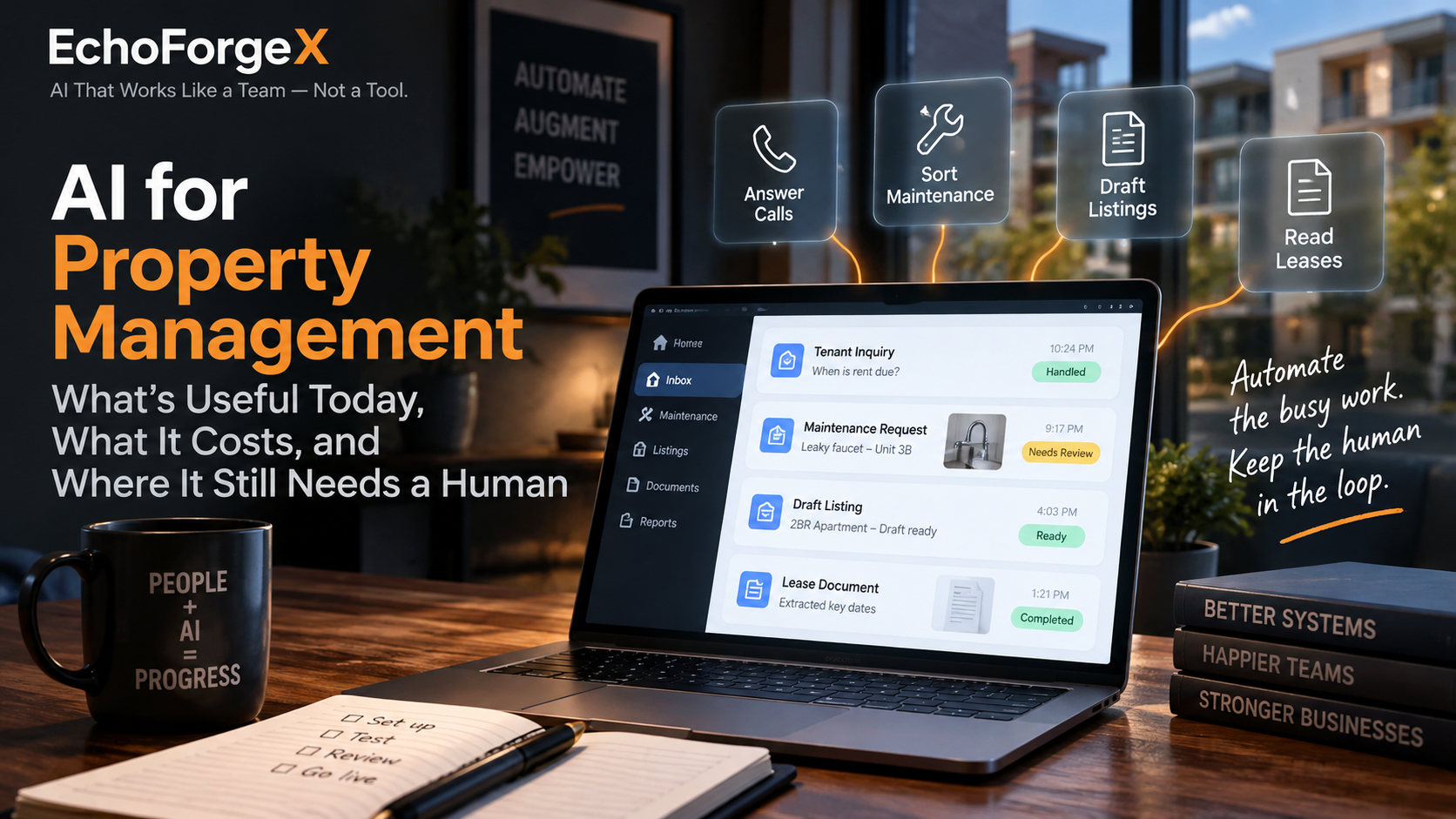
AI for property management is useful today for high-volume, repetitive communication work: first replies to tenant messages and after-hours calls, sorting maintenance requests, drafting listings and routine replies, and pulling dates out of leases. It is not ready to make decisions about people, money or safety without a person checking its work.
That’s the short answer. The rest of this guide covers the four jobs where it helps, the three ways to pay for it, where it goes wrong, and how to pick the first job to hand over.
Where AI for property management helps today
The jobs AI does well have three things in common. They come in all day, most of them have an answer you’ve already given many times, and a mistake is easy to catch before it does harm.
After-hours calls and the property management answering service
A tenant calls at 10pm to ask when rent is due, how to report a repair, or what to do about a lost key fob. An AI answering service can pick up the call or message, answer from the answers you’ve written, take the details, and pass anything it can’t handle to a person.
If you already pay a human property management answering service, this is the same job done a different way. Ask whether you can read the full conversation the next morning. The pricing is different too: the example in the next section charges per call.
Maintenance request intake and sorting
When a request comes in, the AI asks for the unit, a photo and a short description, then sorts it by urgency. A person confirms anything urgent before a vendor is called. You get a complete request instead of “the sink is broken, call me,” and nobody has to chase the details.
Drafting
Listing descriptions, routine replies to tenants and monthly owner update summaries are all writing jobs with a familiar shape. AI produces a decent first draft. You read it, fix it and send it. Set it up so nothing goes out without a person reading it first.
Reading documents
AI can pull lease start and end dates, renewal windows and notice periods out of a stack of leases and put them in a list. That’s useful for spotting renewals before they arrive. Always check each date against the lease itself before you act on it.
Software vendors publish longer lists. Buildium, which sells property management software, has its own list of seven AI use cases in property management. Read it as what a vendor says AI can do.
What it costs: three ways to buy
There are three ways to pay for AI in a property management business. The prices below are as listed on each vendor’s own pricing page in October 2026. Prices change, so check the page before you budget. Naming a vendor here is an example, not a recommendation.
1. AI features inside the software you already pay for
If you run on a property management platform, check what your plan already includes before you buy anything else. AI property management software can be a feature inside the platform you already use, not a new product.
- Buildium lists three plans, as listed on its pricing page in October 2026. Essential starts at $62/month and includes “Basic Communications & Buildium’s AI Assistant.” Growth starts at $192/month with “AI-enhanced Communications and Business Analytics.” Premium starts at $400/month with a “Full AI and Automations suite, plus Open API.” These are starting prices.
- AppFolio publishes no prices. Its three plans (Core, Plus and Max) are quote-only, and Core carries the note “Minimum spend and 50 unit minimum apply,” as listed on its pricing page in October 2026. The AI features it names are “Realm-X Assistant & Messages” on Core and “Realm-X Flows” on Plus.
A feature name on a pricing page doesn’t tell you what the feature does. Ask for a demo on your own messages before you upgrade a plan for it.
2. A standalone AI answering service, priced per call
Some AI answering services charge by the call. Smith.ai’s AI receptionist is one example, as listed on its pricing page in October 2026. It isn’t built for property management, and it’s here only to show how this kind of pricing works:
- Free: $0/month for 25 calls, then $3.00 per call.
- Pro: from $150/month for 75 calls, up to $500/month for 300 calls.
- Enterprise: from $500/month for 300 calls.
With per-call pricing, your bill depends on how many calls you get. You may not know that number yet. Count your after-hours calls for two weeks before you compare plans.
3. A general-purpose AI assistant for drafting
For drafting listings, replies and owner updates, a general-purpose AI assistant such as Claude or ChatGPT may be enough. Claude, for example, lists Pro at $20/month and a Team Standard seat at $25 per seat per month, both billed monthly, as listed on its pricing page in October 2026.
The cost nobody lists: your time
Every option above needs someone in your office to set it up, write the answers it’s allowed to give, and check its work, most of all in the first weeks. That time doesn’t appear on any pricing page. Budget for it the same way you’d budget for training a new hire.
Where it fails
AI fails in predictable ways. Each one has a plain fix, and every fix needs a person.
Confident wrong answers
An AI assistant can invent a pet policy, a late fee or a move-out date and say it with total confidence. The fix is to let it answer only from answers you’ve written. When a question isn’t covered, it should say a person will follow up, not guess.
Misjudging an emergency
Here is the rule. Anything that might be gas, fire, flooding, no heat, a lockout or a safety issue goes to a person, every time. A well-set-up system sends too many calls to a person rather than too few. Set this rule yourself, in writing, and don’t leave it to the tool’s defaults.
Tenants who need a person
Some tenants are upset, confused, or simply want to talk to someone. An AI that makes them work to reach a person turns a small problem into a complaint. Make “talk to a person” easy to reach at every step.
Tenant data going to a vendor
Names, phone numbers, unit numbers and photos taken inside people’s homes all pass through these tools. Before you sign, find out where that data is stored, who can see it, and whether the vendor uses it to train its AI.
Decisions about who gets a lease, what rent to charge, whether to keep a deposit and whether to start an eviction should stay with a person. Legal questions about using AI in tenant screening or tenant communications are for your attorney.
What to automate first
Pick one job, not five. A good first job for property management automation passes four tests:
- High volume. It happens many times a week.
- Low stakes. A wrong answer is annoying, not harmful, and easy to correct.
- A clear right answer. You could write the answer down today.
- Something you can count. You can measure it now, before any tool is involved.
“When is rent due?” passes all four. “Should we renew this tenant?” fails all four.
Then count the job for two weeks before you buy anything. Note how many calls or messages came in, how many were routine, how many were real emergencies, and roughly how long they took. Without that count, you can’t tell afterwards whether the tool worked.
Questions to ask any vendor
- What does it do when it doesn’t know the answer?
- How does it escalate an emergency, to whom, and what happens if that person doesn’t pick up?
- Can I read every conversation it has with a tenant?
- Can I limit it to answers I’ve written?
- Where is tenant data stored, and is it used to train your AI?
- What will it cost at my call or message volume?
- Can I test it on my own past messages before it goes live?
- How do I switch it off, and how do I take my data with me?
Frequently asked questions
Will AI replace my property manager or leasing staff?
No. AI can take first replies, collect details and sort requests by urgency: the repetitive part of the job. It can’t decide who gets a lease, handle an awkward tenant situation or decide whether a repair is urgent enough to send someone tonight. Those decisions stay with people. Think of it as a front desk that hands the hard part to someone on your staff.
Is AI for property management worth it for a small portfolio?
It depends on your volume, not your unit count. Count your calls, messages and maintenance requests for two weeks first. If the numbers are small, the AI features already in your property management software, or a general-purpose assistant for drafting, may be all you need. Pay for a separate tool only once you know how much of that work there is.
Can AI handle after-hours maintenance calls on its own?
It can take the call, collect the unit, a photo and a description, and sort the request by urgency. It shouldn’t handle emergencies on its own. Anything that might be gas, fire, flooding, no heat, a lockout or a safety issue should go straight to a person, under a rule you set yourself. Routine requests can wait for the morning queue.
What should I automate first?
Pick one job that is high volume, low stakes and has a clear right answer, and that you can count today. Answering routine after-hours questions is one candidate. Count it for two weeks before buying anything, so you have a number to compare against afterwards. If no job passes all four tests, the honest answer is to wait.
Where to start
EchoForgeX builds AI agents and runs them in its own businesses. The team built, and runs, three complete systems end to end: SignShield, video-verified digital waiver software; the systems behind SkyoutPG, a paragliding tour operation; and XCMagicCRM, SkyoutPG’s operations system and lead tracker. EchoForgeX is led by Jeff Sinason, who has more than 30 years in the IT services business across multiple industries.
If you’d like help working out which job in your operation to automate first, there’s the AI Check-up for Property Managers. It’s a fixed-price review for companies with 20 to 200 units. You get a written, vendor-neutral plan that names the first job to automate, an estimate of what it would cost at your volume at current prices, and the emergency rule to set. It’s operational advice, not legal advice: anything legal goes to your attorney. EchoForgeX doesn’t sell or resell any software, so if the right answer is “don’t automate anything yet,” the plan says so. It costs $750 and is delivered within 10 business days of the first review call, or your fee is refunded.
Tell us about your operation and choose “AI Consulting” in the Product menu.