
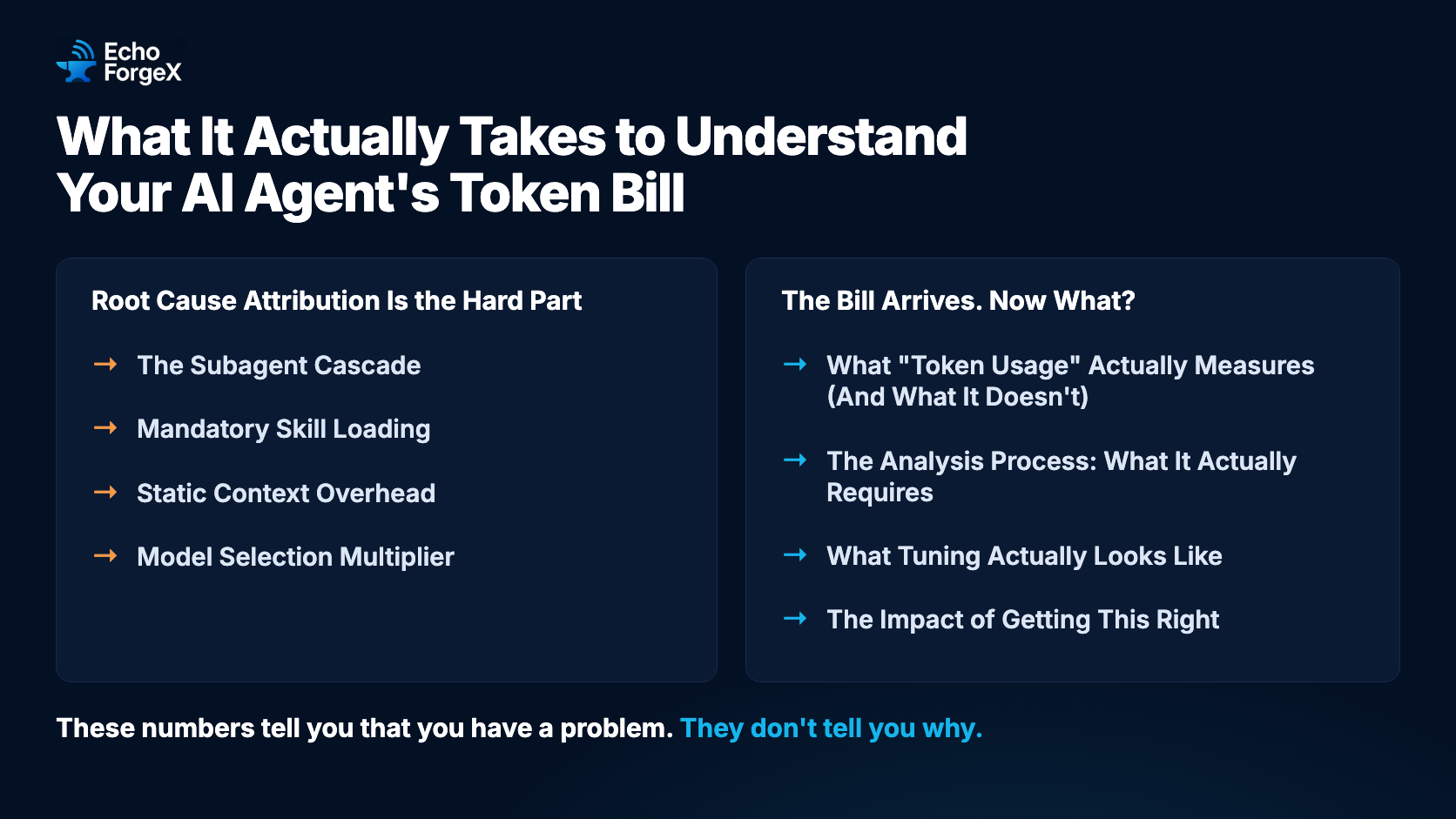
The Bill Arrives. Now What?
You ship a new AI agent workflow. It works. Users are happy. Then the API bill arrives and the number is a lot higher than you expected. You poke around in the usage dashboard — requests, tokens in, tokens out — and you can’t figure out why.
This is the situation most teams building agentic AI systems face. Token billing is transparent at the API level, but attribution — understanding which architectural decisions drove which costs — requires a level of analysis that most practitioners aren’t prepared for. And when you add third-party plugins, orchestration frameworks, or multi-agent systems into the mix, the complexity compounds fast.
We recently ran this analysis on our own systems after deploying the Superpowers plugin for Claude Code. The findings were illuminating — and not in the ways we expected.
What “Token Usage” Actually Measures (And What It Doesn’t)
Most teams start with aggregate metrics: total tokens in, tokens out, cost per session. These numbers tell you that you have a problem. They don’t tell you why.
The more useful signal is tool call density — the ratio of tool calls to messages. This exposes the agentic behavior happening inside your sessions. A session with 50 messages and 500 tool calls looks very different from one with 50 messages and 50 tool calls, even if the raw token counts are similar. The former is an agent actively reading files, spawning subagents, and executing multi-step workflows. The latter is a conversational assistant.
In our case, comparing two periods — before and after deploying the Superpowers plugin — revealed this:
| Period | Sessions | Messages | Tool Calls | Tool/Msg Ratio |
|---|---|---|---|---|
| Pre-Superpowers (Mar 1–26) | 95 | 37,645 | 6,464 | 0.17 |
| Post-Superpowers (Mar 27–Apr 18) | 105 | 33,672 | 18,838 | 0.56 |
Message volume actually dropped. But tool calls nearly tripled. The plugin was making the agent dramatically more capable — and dramatically more expensive — without that being obvious from any single metric.
Root Cause Attribution Is the Hard Part
Once you identify the signal, the real work begins: tracing the tool call explosion back to its architectural sources. This is where third-party plugins make the analysis genuinely difficult.
Plugins like Superpowers introduce emergent behaviors — workflows the underlying model wasn’t running before. You can read the plugin’s documentation, but you often can’t fully predict how it interacts with your prompts, your codebase structure, and your existing system instructions until you’ve actually run it at scale and examined session transcripts.
In our analysis, we identified four distinct cost drivers. None of them were obvious from surface-level metrics alone.
The Subagent Cascade
The dominant driver — responsible for the bulk of the tool call increase — was the subagent review cycle baked into the Superpowers plugin’s development workflow. For each implementation task, the plugin spawns three sequential subagents: an implementer, a spec reviewer, and a code quality reviewer. A final full-codebase reviewer runs at the end.
For a five-task implementation plan, that’s potentially 15+ subagent invocations. Each subagent loads fresh context from scratch. Each runs its own file reads, writes, and edits, which compound into the parent session’s tool call count.
This was invisible from the outside. The plugin was doing exactly what it advertised — rigorous multi-pass review — but the cost structure of that rigor only became clear after examining individual session transcripts and correlating tool call spikes with specific workflow stages.
Mandatory Skill Loading
The plugin’s orchestration layer fires on every session start and checks for applicable skills before any response. When skills are loaded, they inject their full content into context. A typical development session loads thousands of tokens of skill content before a single line of code is written — on every session, including ones where the workflow turns out to be a simple bug fix that didn’t need any of those skills.
Static Context Overhead
Every turn in a session pays a fixed base cost from always-on context: project instructions, memory indices, deferred tool lists. In our setup, this was ~5,200 tokens per turn from sources that load regardless of what the agent is doing. The largest single contributor was a CLI command reference table in our project instructions file — useful during sprint planning, but loaded on every turn including pure code edits.
Model Selection Multiplier
Token volume and token cost are different problems. A session with 100,000 tokens on a flagship reasoning model costs roughly 5× the same session on a standard model. If subagents — which do mechanical work like file edits and test writing — are running on the most capable model, you’re paying for reasoning depth you don’t need. This doesn’t show up as a volume problem. It shows up as a cost problem on identical workloads.
The Analysis Process: What It Actually Requires
Understanding these root causes required:
- Session-level breakdown — not just aggregate totals, but per-session tool call counts and message volumes, correlated with the workflows running in each session.
- Transcript review — reading actual session transcripts to identify which workflow stages corresponded to tool call spikes. No dashboard shows you this; you have to look.
- Plugin source reading — reading the Superpowers skill files to understand the exact subagent spawning pattern and token costs of each skill.
- Context archaeology — auditing every source of always-on context (project instructions, memory files, system reminders) and measuring their token footprint.
- Cost model separation — distinguishing volume problems (too many tokens) from cost problems (right volume, wrong model).
This is not a one-hour exercise. It took several working sessions and produced a multi-page root cause document before any remediation began. Teams that skip this step and jump straight to “use a cheaper model” or “reduce max tokens” often address symptoms without touching the actual drivers.
What Tuning Actually Looks Like
Once root causes are attributed, remediation has a clear priority order. The highest-impact changes are structural — they change how the workflow is orchestrated, not just how individual calls are parameterized.
Trim the review cycle for simple tasks. A three-subagent review per task is appropriate for complex, security-sensitive, or architectural work. For CRUD endpoints, template changes, and config updates, a single implementer + code reviewer is sufficient. Dropping the spec review pass for routine tasks alone can cut tool calls by 30–40%.
Route subagents to the right model. Set the model explicitly per task type in implementation plans. Mechanical work (file edits, test writing) goes to the standard model. Architecture and brainstorming turns that genuinely benefit from deep reasoning stay on the flagship model. This is a configuration change, not a capability trade-off.
Scope subagent context to the current task. If an implementer subagent receives the full 10-task plan when it’s only executing task 3, you’re paying for nine tasks worth of context it doesn’t need. Pass only the relevant task section.
Move reference material out of always-on context. CLI command tables, governance references, and other lookup content shouldn’t live in files that load on every turn. Move them to external files with a one-line pointer. This is low-effort and saves tokens on every single interaction.
Add carve-outs for clearly-scoped tasks. A plugin that checks for brainstorming applicability on every request — including bug fixes with existing specs — will load brainstorming content unnecessarily. Explicit carve-outs prevent skill content from loading when it can’t add value.
The Impact of Getting This Right
The structural changes above have real leverage:
- Trimming the review cycle for routine tasks addresses the dominant cost driver — the subagent cascade — directly.
- Model routing eliminates a 5× cost multiplier on mechanical work without any capability loss.
- Context scoping and static overhead reduction compound across every session, not just complex ones.
The combination of structural changes (review cycle, context scoping) and model routing can realistically cut costs substantially on workflows that are currently over-instrumented for their actual complexity; the companion whitepaper sets out a ranked remediation framework with expected impact estimates. The key word is “realistically” — getting there requires doing the attribution work first, not guessing at which knob to turn.
What This Means for Teams Building with AI Agents
A few things stand out from this experience that generalize beyond our specific setup:
Third-party plugins introduce cost structures you can’t fully anticipate from documentation alone. Plugins that implement multi-pass review, mandatory skill loading, or parallel subagent workflows can dramatically change cost profiles without any single call being expensive. Budget for an analysis sprint after deploying any major agentic framework.
Tool call density is a more useful early warning signal than token totals. If your tool/message ratio jumps significantly after a workflow change, investigate before it compounds.
Attribution before remediation. The instinct to cut costs by reducing context windows or switching to cheaper models globally is rarely optimal. The highest-leverage changes are usually structural, and you can only find them by tracing costs back to their sources.
Model selection is a per-task decision, not a project-level setting. Different tasks in the same workflow genuinely require different reasoning depth. Treating model selection as a global constant wastes money on simple tasks and may under-resource complex ones.
We’ve documented the full technical analysis — methodology, data breakdown, root cause attribution, and remediation framework with expected impact estimates — in a companion whitepaper for teams that need to run this kind of analysis on their own systems.
At EchoForgeX, we build AI-powered tools and help businesses integrate AI into their workflows. Get in touch to learn how we can help your team work smarter with AI.